Photoshop Tutorial: How to Seamlessly Fix & Extend Any Newborn Backdrop
Photo editing can feel draining and daunting, especially when it comes to Newborn Photography. However, once you practice and master the right tools in Photoshop, it can and will become an easy part of your workflow—no longer a dreaded task!
I receive so much knowledge from fellow photographers and retouchers who love to share their tips. And just as I love to receive, I also love to give back to our growing industry. That's why I'm sharing this guide on How To Seamlessly Fix & Extend Newborn Backdrop In Photoshop!
Overcoming the Small Studio Backdrop Challenge
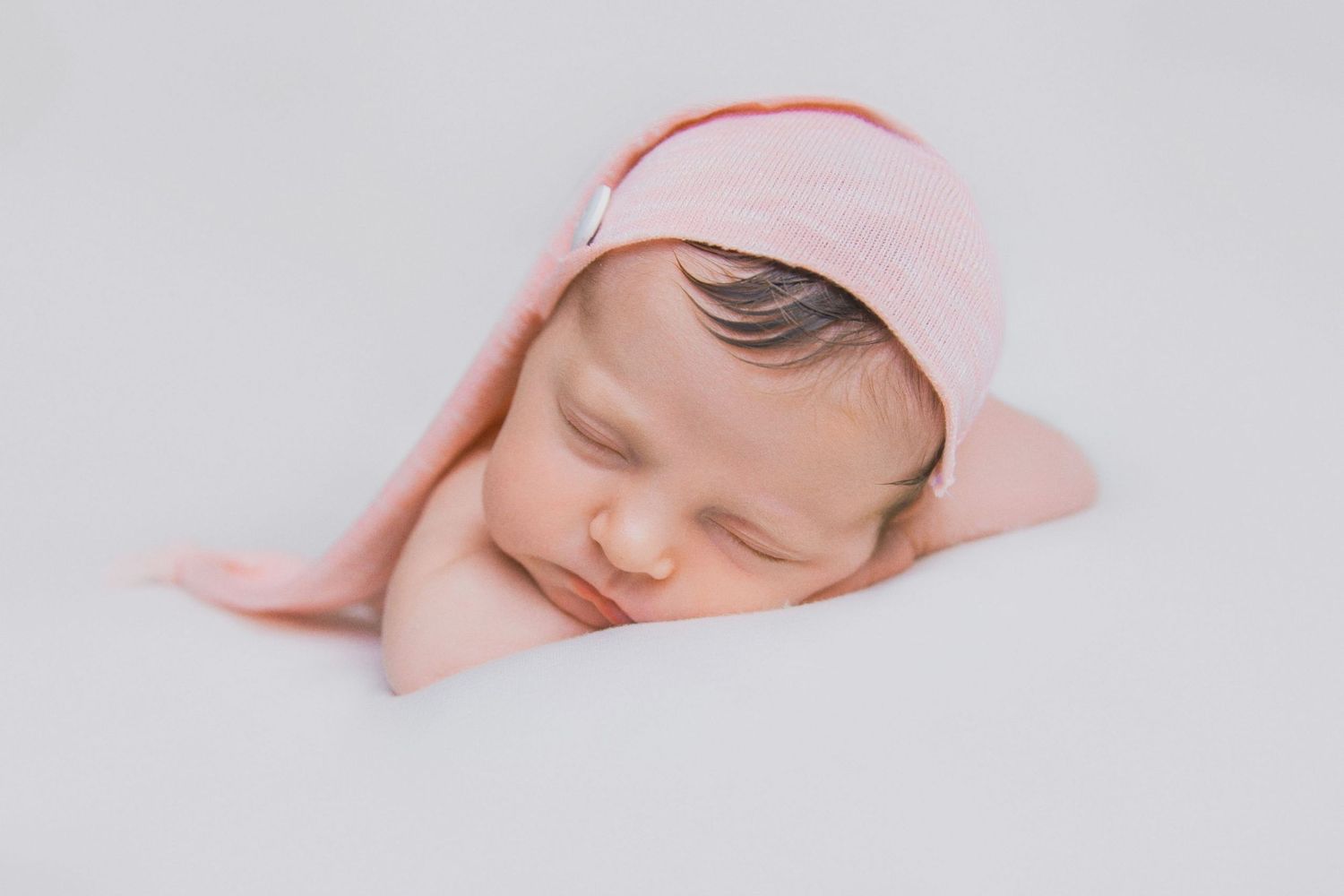
Every photographer who works in a small, cozy studio space eventually runs into the same issue: the backdrop running out of space in the frame. This is a common problem when shooting wider to include hands, feet, or props, or simply when a baby wiggles to the edge of the blanket.
Why is a seamless backdrop so important? Because an obvious edge immediately breaks the beautiful illusion of a dreamy newborn portrait. Our goal is to create high-quality, professional art that focuses 100% on the subject, and that requires an immaculate background. This trick will save you time and preserve the consistency of your professional gallery.
The Seamless Fix: Tools and Techniques for a Perfect Edge
This video tutorial shows you my version for editing yet another tricky backdrop in Photoshop. My techniques prioritize a non-destructive workflow so that your original image pixels are never compromised. The result is an extended backdrop that perfectly matches the color, texture, and light of the original.
This method typically relies on mastering two or three key tools:
- Selection Tools: Getting a clean selection of the backdrop is essential before expanding.
- Layer Masks: These are the key to a non-destructive edit, allowing you to blend your new background without erasing original information.
- Content-Aware or Cloning: Used carefully to fill in the missing space while preserving the existing backdrop texture.
I hope you find this video informative and that it helps streamline your editing process!
If you would like to find out more about our Photoshop tricks and hacks and How To Seamlessly Fix & Extend Newborn Backdrop in Photoshop, or if you are interested in making an enquiry in regards to my professional Photoshop training, please visit our contact us page.
I am proud to be listed as 1 of the top 3 Photographers in Basildon, Essex, and I enjoy contributing to the success of fellow photographers. Please leave me a comment below!